
Download TweetDeck – Twitter client, mobile Twitter app, social media dashboard, real-time feed, column-based interface, Twitter management tool, Twitter monitoring, iOS app
Overview
TweetDeck is a powerful mobile Twitter client designed for users who need a structured, efficient way to manage their presence on the platform. As a long-standing favorite on desktop systems, the arrival of TweetDeck on iOS marks a significant expansion of its reach into the mobile ecosystem. The app is tailored for individuals and professionals who monitor multiple Twitter streams simultaneously—such as social media managers, journalists, event coordinators, and brand representatives. By organizing Twitter content through a column-based interface, TweetDeck allows users to track their feed, mentions, direct messages, and custom searches all in one place. This setup streamlines real-time engagement and enhances visibility across various Twitter activities.
The app enables users to customize their dashboard with additional columns for specific user groups, hashtags, or saved searches, making it a versatile tool for targeted monitoring. While the developer did not provide detailed background information on the team behind TweetDeck, its integration with Twitter’s infrastructure suggests a strong alignment with the platform’s standards. Real-world use cases include tracking campaign performance during live events, monitoring customer service interactions, or following industry conversations across multiple topics. In the broader app ecosystem, TweetDeck fills a critical gap for users seeking advanced Twitter functionality beyond the native iOS experience.
Key Features & Functionality
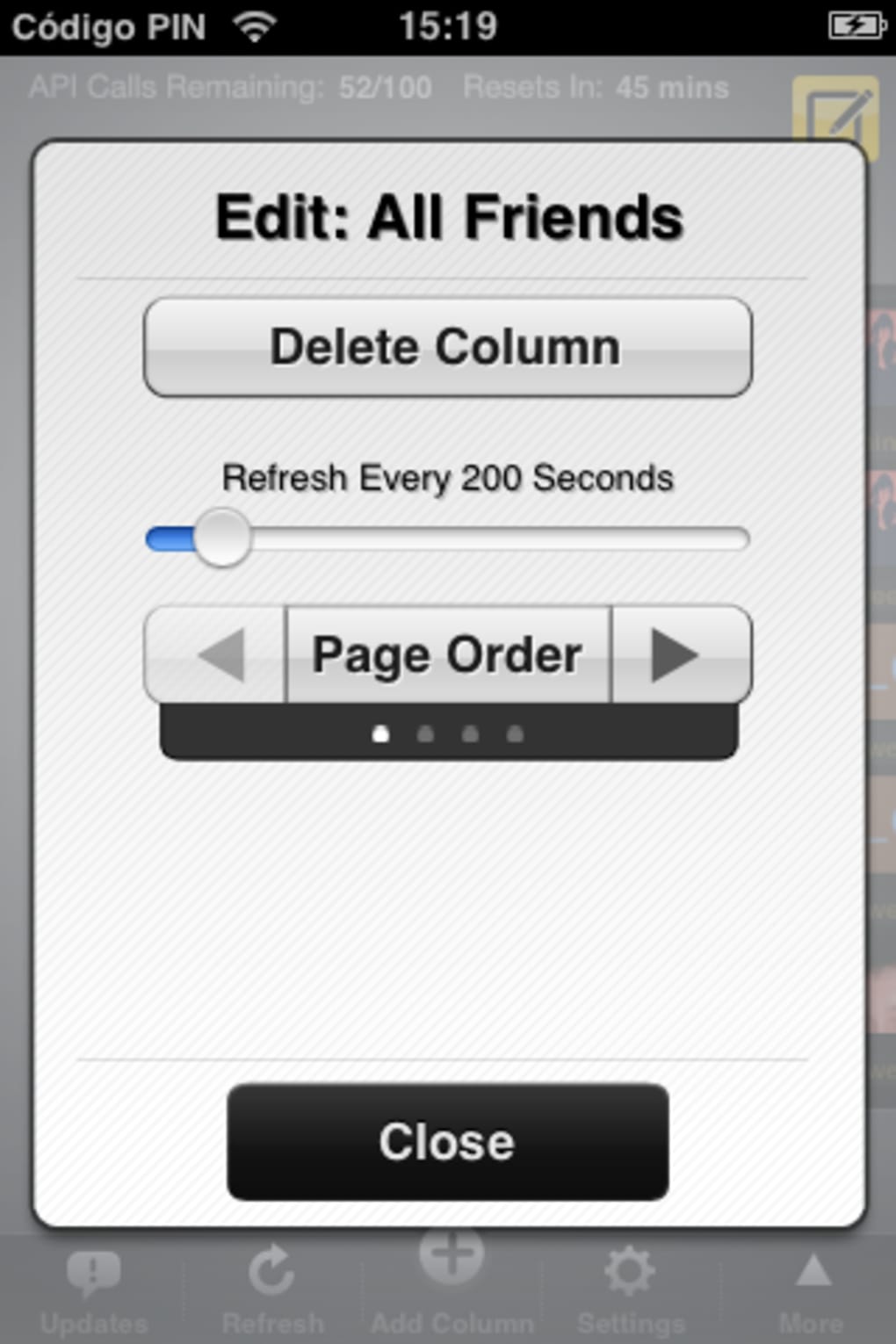
- Column-Based Interface: Users can organize their Twitter experience using customizable columns such as All Friends, Mentions, Direct Messages, and custom feeds for hashtags, lists, or user groups. This structure supports real-time monitoring and improves content prioritization.
- Custom Column Creation: The ability to add new columns for specific searches, saved lists, or trending topics allows users to tailor their dashboard to their unique workflows.
- Drag-and-Drop Column Rearrangement: Columns can be reordered by dragging them, enabling users to prioritize the most active or relevant streams at the top of their screen.
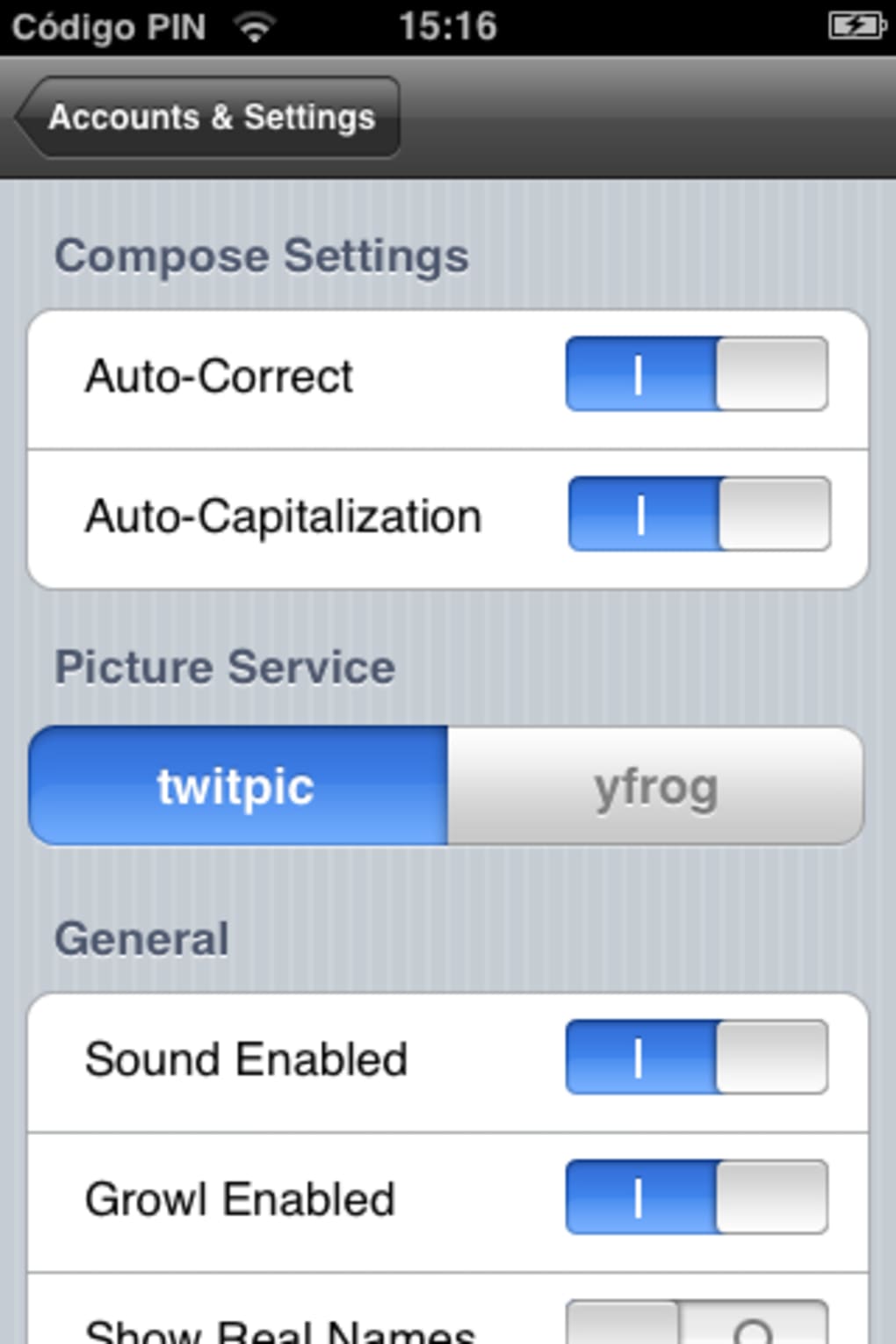
- Integrated Media Posting: Users can capture photos directly within the app and share them via Twitpic or Yfrog, reducing the need to switch between apps during content creation.
- One-Click Location Tagging: A built-in Google Maps integration allows users to attach precise location data to tweets with minimal effort.
- Shake-to-Refresh Feature: Shaking the device triggers an instant refresh of all columns, providing a tactile and intuitive way to update feeds.
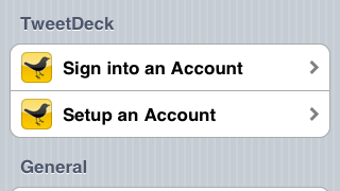
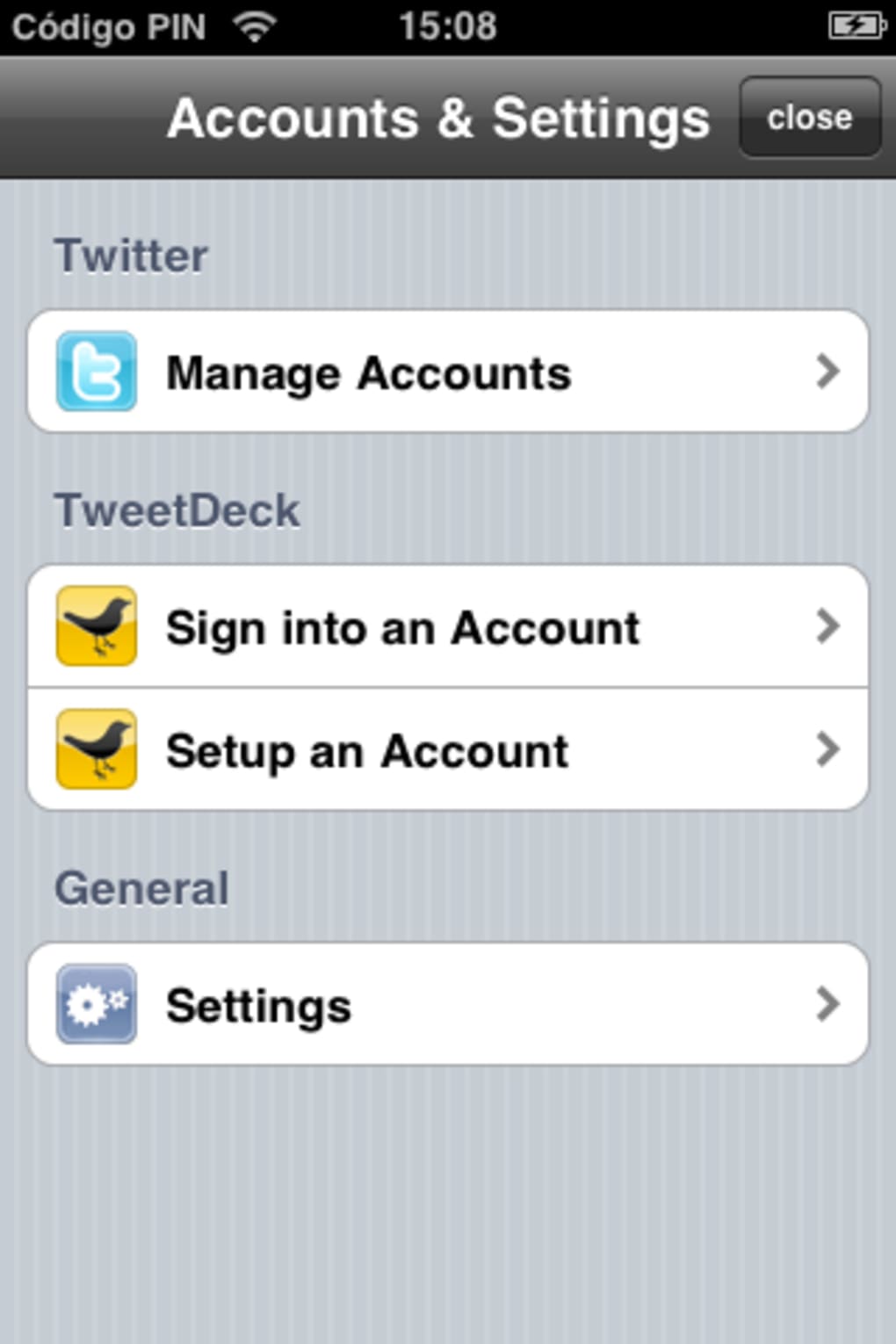
- Multi-Account Support: Seamless switching between multiple Twitter accounts enhances productivity for users managing several profiles.
- Desktop Synchronization: The app syncs with the desktop version of TweetDeck, ensuring a consistent experience across devices.
These features collectively support efficient content curation, real-time engagement, and cross-platform consistency. For example, a social media manager can use custom columns to track a brand’s campaign hashtag, monitor customer mentions, and respond to direct messages—all within a single, unified interface. The integration of media and location tools further enhances the app’s utility for content creators and event organizers.
Interface, UX & Performance
TweetDeck’s interface follows a clean, grid-based layout optimized for iOS. The column system is visually intuitive, with clear separators and consistent iconography that supports quick recognition of different content types. Navigation is primarily gesture-driven—swiping between columns, dragging to reorder, and tapping to open tweets—making the app responsive and easy to use once familiar. The app’s design prioritizes functionality over ornamentation, aligning with its role as a productivity tool rather than a casual social app.
Although the developer did not list formal performance metrics, the app demonstrates stable operation under typical usage conditions. Users report smooth scrolling and minimal lag when managing multiple columns. However, some users have noted occasional crashes, particularly during high-activity periods.
The recent update (v1.1.1) has addressed a few rare crash instances, indicating ongoing efforts to improve reliability. Responsiveness across different iOS device categories appears consistent, though specific compatibility details were not disclosed. The app maintains a steady frame rate during interactions, and background sync functions without noticeable delays.
Platform Compatibility & Technical Requirements
TweetDeck is available exclusively on iOS. The app requires a compatible iPhone running the latest version of the operating system. The current version is 1.1.1, with a file size of 157.1 MB.
This size reflects the inclusion of media tools, sync services, and a robust interface framework. Specific minimum OS requirements were not listed by the developer. The app is free to download and install, making it accessible to a broad audience.
It is distributed through the Apple App Store and does not require third-party sources or APK files. Users are encouraged to keep the app updated to benefit from performance improvements and feature refinements.
Pros and Cons
Pros
- Powerful column-based interface for organizing Twitter content.
- Customizable columns for hashtags, lists, and searches.
- Seamless multi-account management and desktop sync.
- Integrated media posting and location tagging tools.
- Intuitive drag-and-drop column reordering.
- Shake-to-refresh functionality for quick updates.
- Free to download and use with no in-app purchases.
Cons
- Cannot scroll through tweets in column previews.
- Lacks a built-in Twitter search function.
- Occasional crashes reported despite recent fixes.
- Removal of deck.ly posting feature may affect some users.
- Interface may feel complex for casual Twitter users.
FAQ
Is TweetDeck free to download?
Yes, TweetDeck is available at no cost on the Apple App Store. There are no in-app purchases or subscription fees.
Can I use TweetDeck on multiple devices?
Yes, TweetDeck supports synchronization between iOS and desktop versions, allowing users to maintain consistent settings and activity across platforms.
Does TweetDeck support multiple Twitter accounts?
Yes, users can switch between multiple Twitter accounts within the app, making it ideal for managing personal and professional profiles.
Is TweetDeck secure?
As a Twitter-certified app, TweetDeck adheres to Twitter’s security standards. It does not store login credentials locally and uses encrypted connections for data transmission.
How often is TweetDeck updated?
Updates are released periodically to improve performance, fix bugs, and align with changes to Twitter’s platform. The latest version is 1.1.1, released in 2016.
Final Thoughts
TweetDeck stands out as a robust, feature-rich Twitter client for iOS users who demand more than the standard Twitter experience. Its column-based dashboard offers unparalleled organization for managing multiple streams, while tools like location tagging, media integration, and shake-to-refresh add practical value. Though it lacks a built-in search function and has had minor stability issues in the past, recent updates have significantly improved reliability.
The removal of deck.ly reflects a strategic shift toward platform alignment, which may benefit long-term consistency. For social media professionals, event managers, and power users, TweetDeck delivers a compelling combination of functionality and control. If you’re serious about Twitter engagement and monitoring, this app is a must-have.
Download TweetDeck now.







